
Merchant Account Registeration
This topic describes the information and procedure required for the platform merchant registration. You must complete this step before proceeding.
1.Registration Preparation
Users need to complete account registration on the PalmPay merchant platform. The following information must be provided when registering:
Merchants need to complete the registration in production to ensure that the subsequent product application and access process is smoother.
(Please use the test account provided by PalmPay for joint debugging of the Test environment- Test account&Secret key)
2.An overview of the interface
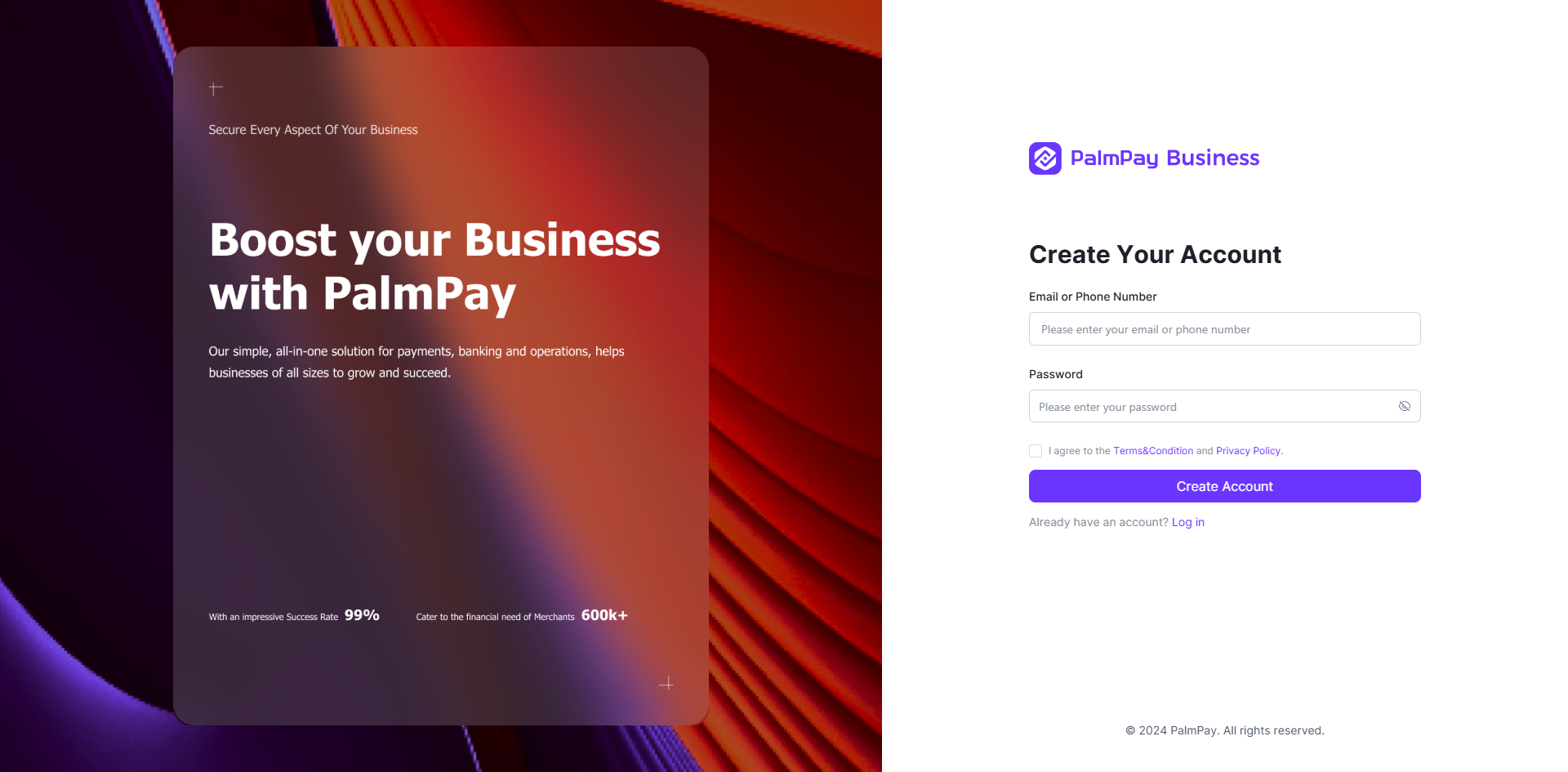
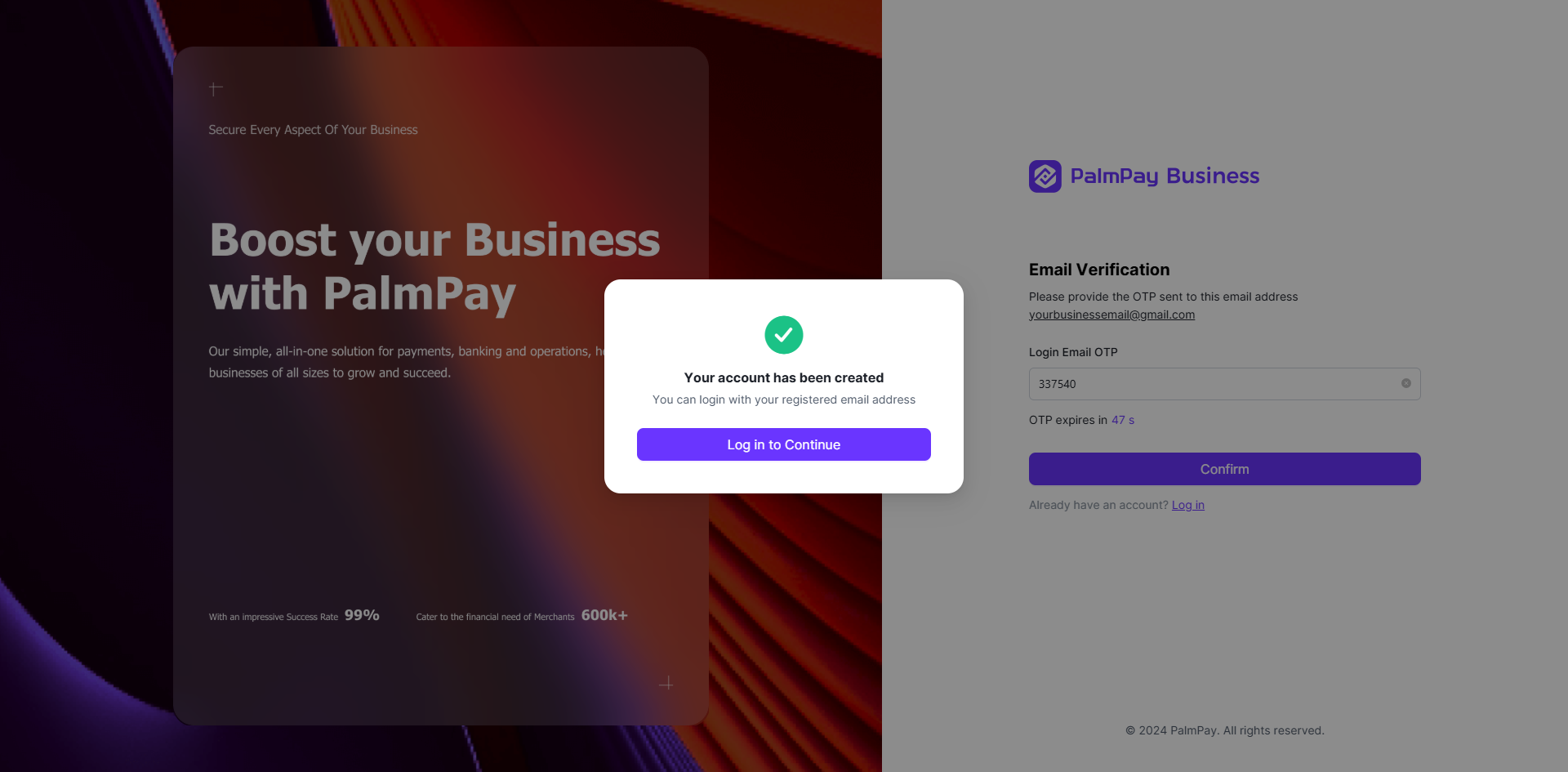
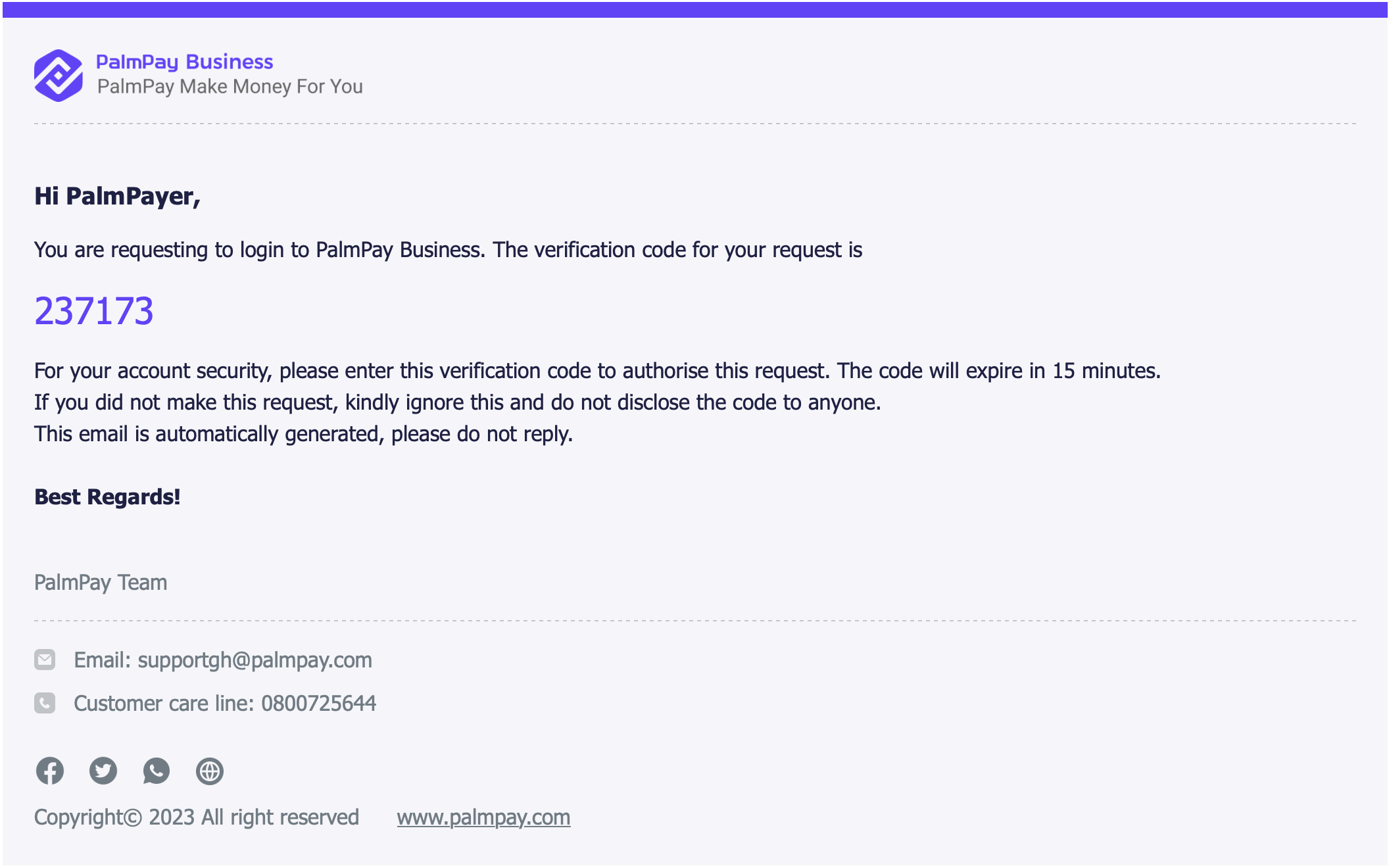
The email address you use for registration will receive an OTP verification email with the following content. Please copy OTP to continue creating an account.
3.Log on to the merchant platform
After successful registration, go to the create success notification page.
Click Log in to Continue to go to the create merchant and fill in information page.
Click [Activate Balance], and activate the balance account
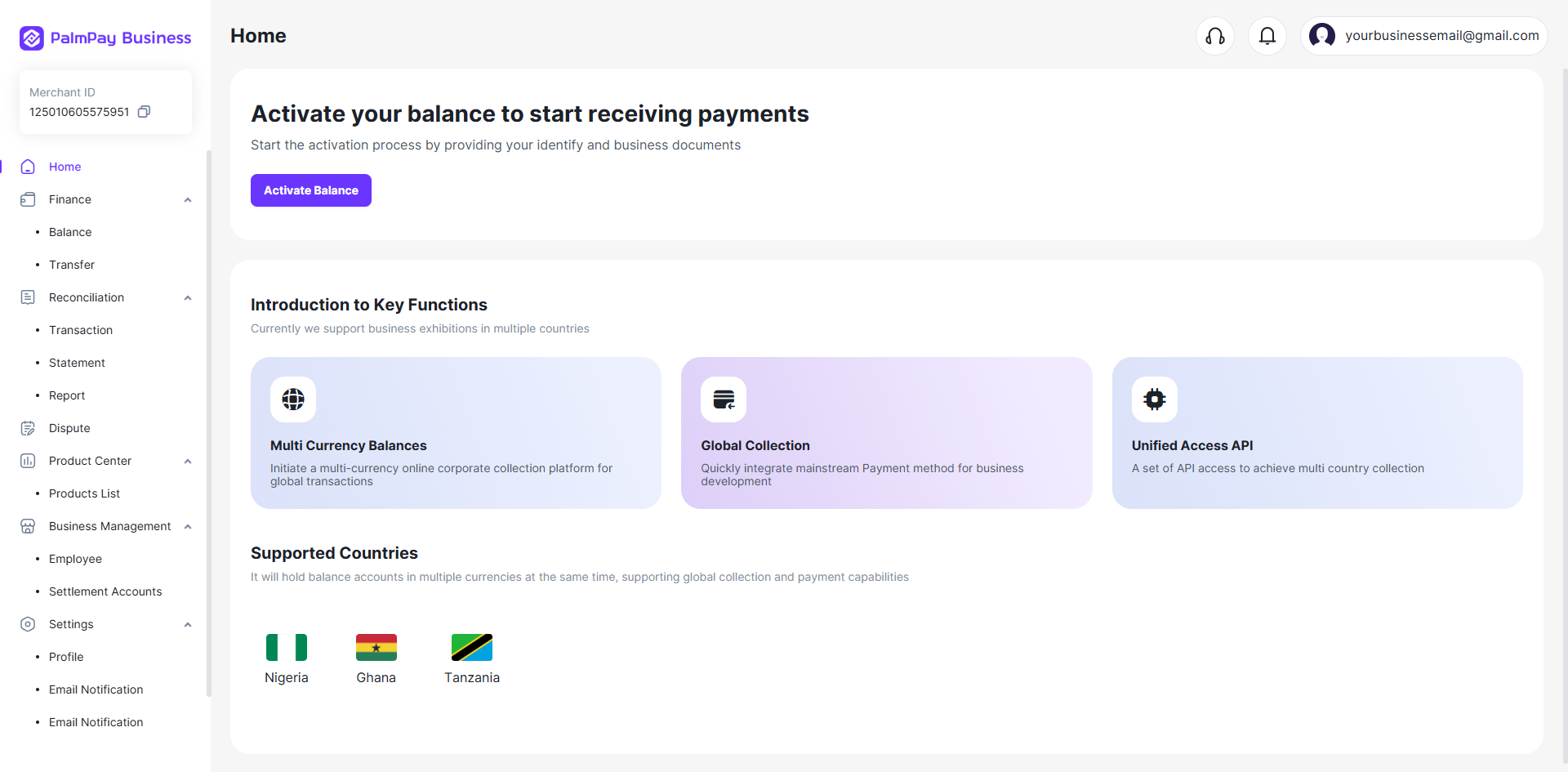
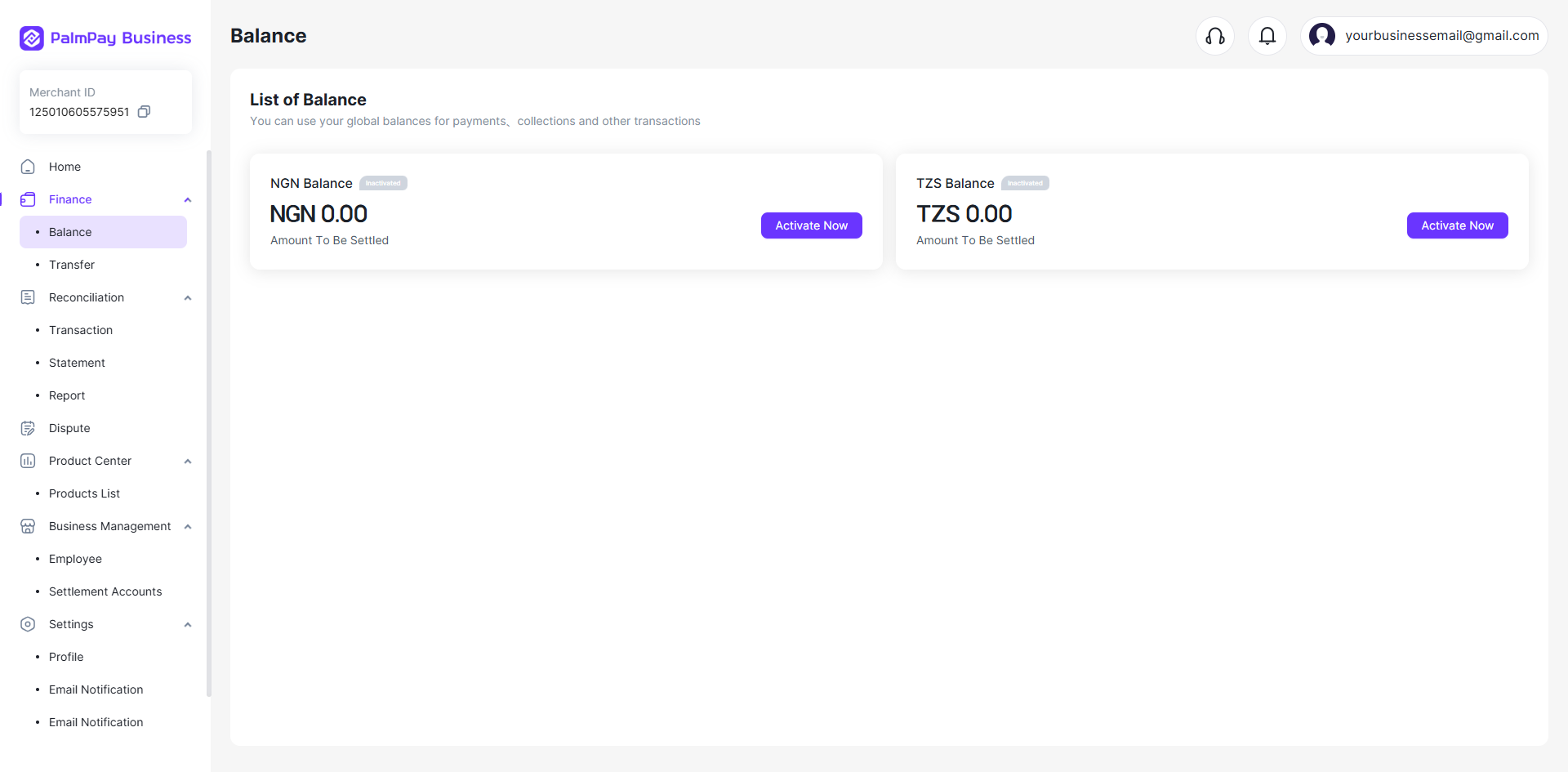
⭕Note:
Please supplement your email and mobile number before activating accounts.
Before doing it, the user cannot use any account-related functions, and can only browse the basic page. You need to activate the account before proceeding with subsequent operations!
Next, fill in the information and submit it to activate the account. Activate Account